This is Blog 4 in the Zerto Replication 4.0 Series. This blog will cover the Virtual Protection Group (VPG) Test Failover.
Current Setup
- Production Cluster of 2 hosts
- DR Cluster of 1 host
- ZVM has been deployed at both sites on Windows 2012 R2
- VRAs have been installed at each site
- Sites have been paired
- VPG’s have been created
VPG Test Failover
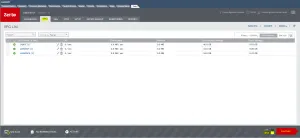
Login to the Zerto Interface and go to the VPG Tab. Make sure the “Test” option is selected and click Failover
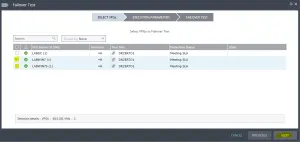
Failover Test window will pop up. Select you VPGs that you want to test and select next.
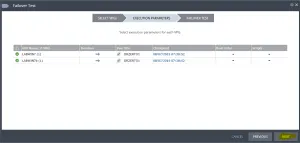
Review the Execution Parameters
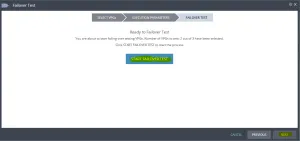
Start the Failover Test
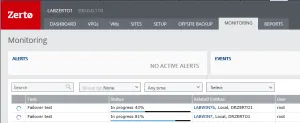
Go to the Monitoring Tab to observer the failover tasks.
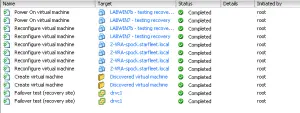
The screenshot below shows the steps that are taking place at the target vCenter.
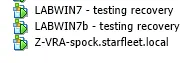
Once the Failover Test procedure has completed you will be able to bring up your VMs at the target location and begin your testing
Once you have completed your testing go back to the Monitor Tab. Go to the tasks and select the red “Stop” button to end the testing.

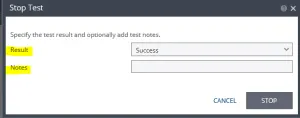
The Stop Test window will pop up and ask for the “Result” and “Notes”. Select Stop to stop the test.
See the screenshot below to see the Teardown of the testing
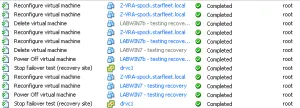
Once the testing has been taken down it will show “Completed” under Monitoring.

My next blog will cover the VPG Failover process.
 Sam Shouse's Blog